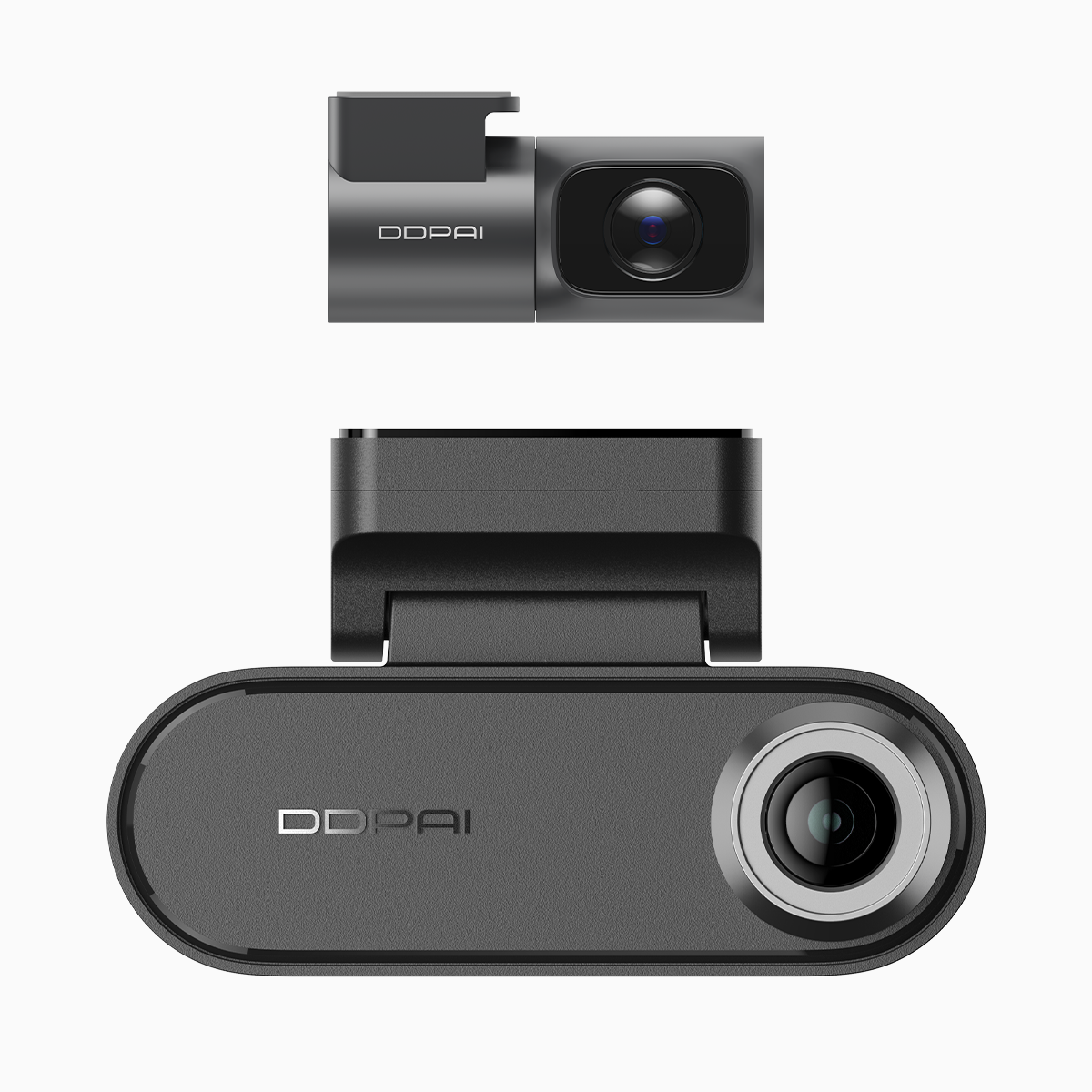
Why drivers should care
Most folks buy a dash cam to protect themselves during daily runs — not to become camera nerds. This piece looks at how DDPAI’s NightVIS helps regular drivers get clear evidence at night, especially when parked in tight city spots. I tested the dual dash cam with parking mode during evening shifts and commutes, so the focus stays practical: did it catch licence plates, did motion-triggered recording work, and how easy is it to retrieve clips on the phone?
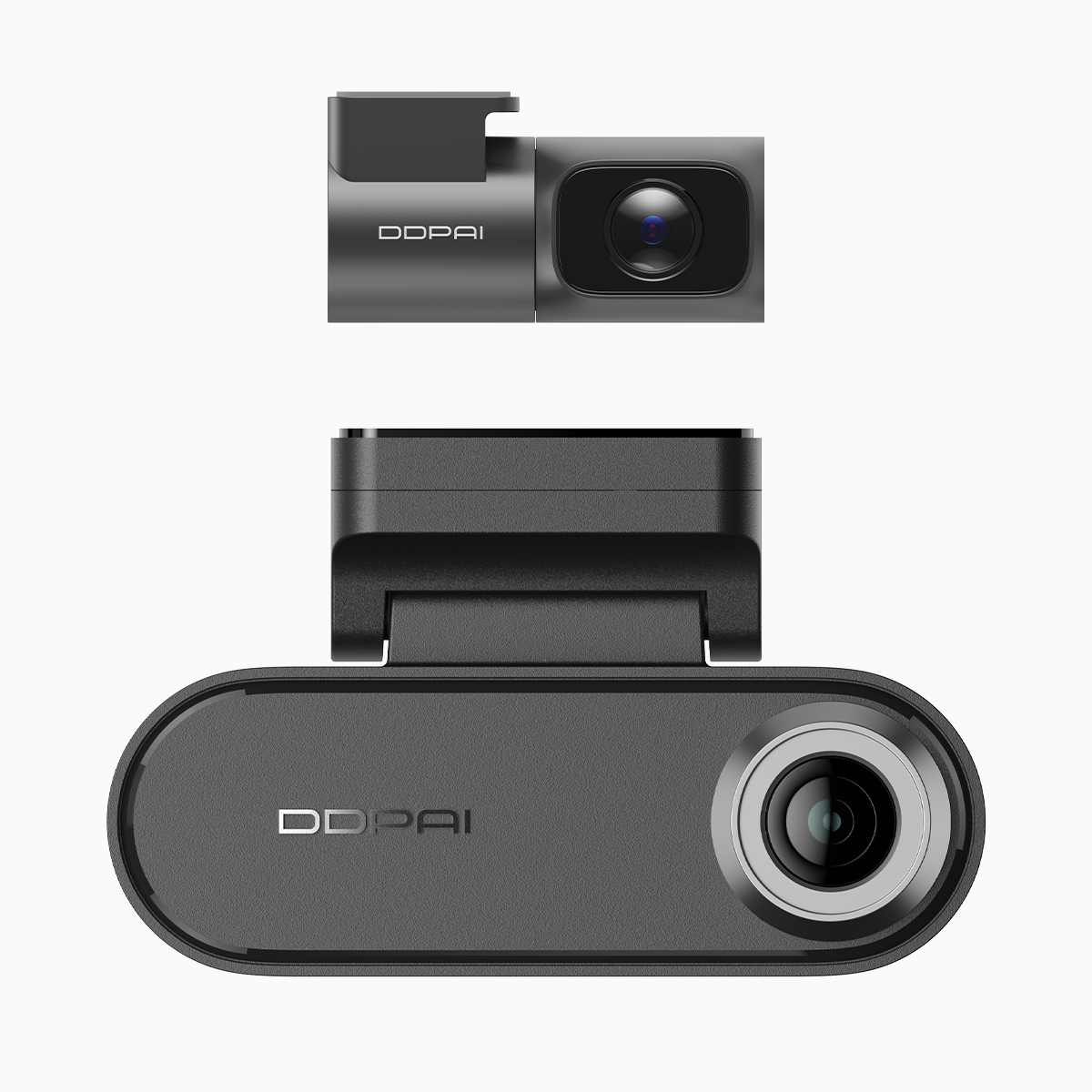
What NightVIS actually changes
NightVIS is about smarter low-light imaging — a mix of sensor tuning, HDR stacking, and noise reduction so footage stays legible at low lux. That means higher effective resolution at night, less smear from headlights, and better dynamic range when a streetlight hits your frame. Industry terms: sensor sensitivity, HDR, and frame rate come into play here. For you, that translates to readable licence plates and usable evidence instead of blurry blobs.
Real-world anchor: city parking tests
I ran the unit through a week of night parking in Metro Manila and a few night drives in suburban Cape Town. Urban parking is a real problem — tight bays, blind corners, and people who nudge cars while reversing. In a Manila overnight test, motion-triggered clips captured a near-miss and a clear plate when someone tapped my rear quarter. The front and rear dash cam with parking mode handled event detection well, with reliable G-sensor and motion recording and tidy loop recording so storage didn’t clog up.
How it stacks up against alternatives
Short version: NightVIS narrows the gap between consumer dash cams and pricier pro units, but it’s not magic. Compared with similarly priced options, DDPAI wins on low-light clarity and on-device processing. Competing models may offer slightly wider field of view or more configurable bitrate, but often at the cost of noise or poorer plate legibility. Consider these quick comparisons:
– Strong suit: night clarity and HDR handling. Industry terms used: bit-rate control and codec efficiency.
– Trade-off: some rivals give super-wide FOVs, which can distort plates at edges.
– Practical win: parking mode reliability and clear event thumbnails for insurers.
Common mistakes buyers make
People often over-buy specs or under-use features. They pick a cam for “4K” but ignore sensor size, bitrate, or night processing. Another mistake is poor installation — angle too high or wired to switched power so parking mode dies. Last one: not testing event recovery. Plug it in, park overnight, trigger a test, and check the clip on your phone. —You’ll spot setup quirks fast.
What to check before you buy
Look beyond resolution. Prioritise sensor quality, effective low-light processing, and a dependable parking mode with G-sensor or motion detection. Ask about loop recording, thermal performance, and mobile app usability. If you live or work in busy urban hubs — like Bonifacio Global City or Cape Town’s CBD — data retrieval speed and clear licence plate capture matter more than extra megapixels.
Three golden metrics to judge any dash cam
1) Night legibility score: can the camera read plates at 10–20 metres in real street lighting? This is the single best practical metric. 2) Parking-mode reliability: measured by successful event saves over a week without draining battery or missing clips. 3) Usability: app connect times, clip export speed, and ease of configuring sensitivity. These three give you a simple rubric to compare models and set expectations when shopping for security on the move.

DDPAI Philippines fits those metrics well — clear night footage, dependable parking mode, and a straight-forward app that makes clip recovery hassle-free. Short note — trust what the footage shows, not the marketing jargon.